Calling Terminal Commands from Python
This chapter has covered Python hardware control and some common programming techniques. Beyond that, we can also use Python to directly invoke Linux commands on the WalnutPi system. With this capability, Python programs can read system information, launch software, etc., via commands, making Python even more versatile on the WalnutPi.
The os.popen Object
Commands can be invoked using the os.popen() method.
Syntax
os.popen(command[, mode[, bufsize]])
command: The command.mode: Mode.r: Read (default)w: Write
bufsize: Read or write buffer size. Default is 0 (no buffering).
Usage Examples
Get CPU Temperature
In the terminal, we can obtain the CPU temperature using the following command. See: CPU Temperature Information for details. Divide the result by 1000 to get the actual temperature value.
cat /sys/class/thermal/thermal_zone0/temp

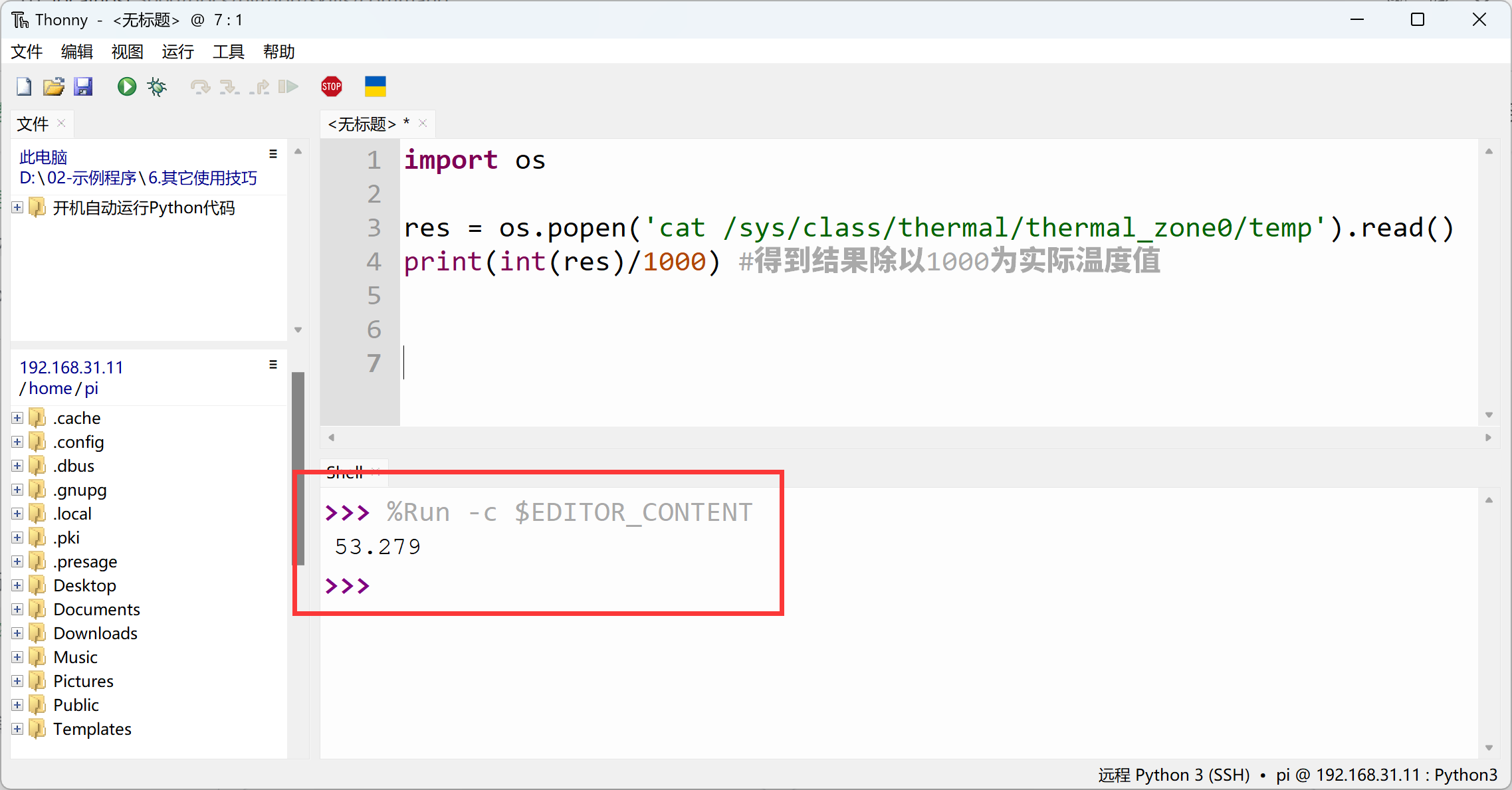
In Python, this can be implemented as follows:
import os

res = os.popen('cat /sys/class/thermal/thermal_zone0/temp').read()
print(int(res)/1000) # Divide the result by 1000 for actual temperature
Get IP Information (with root privileges)
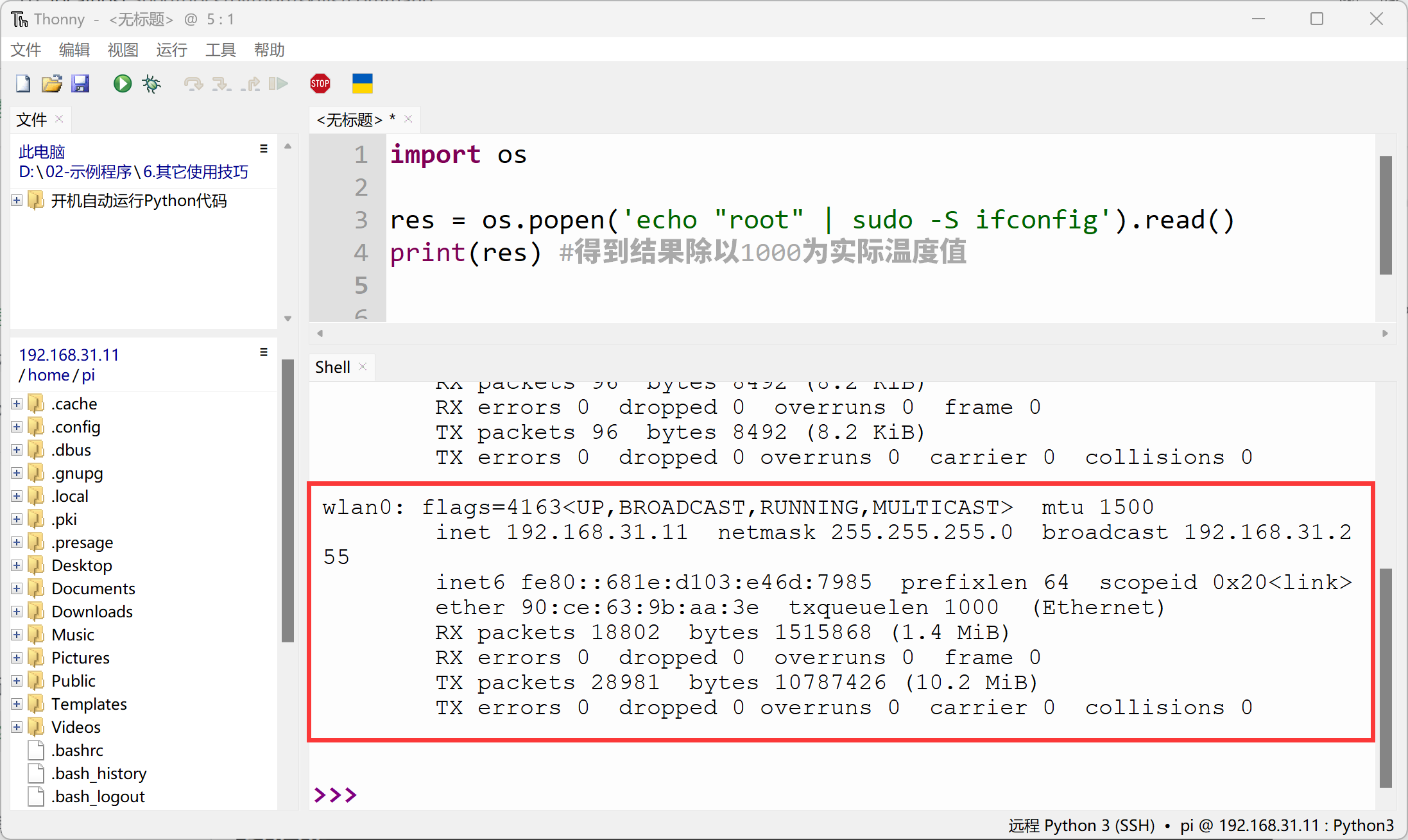
Sometimes we need root privileges to execute commands. How can we do this with Python? Let's use sudo ifconfig as an example.
In the Linux terminal, we can use the following command to bypass the manual password entry for sudo:
'echo "root" | sudo -S ifconfig'
In the above command, sudo -S reads the admin password root from the echo input.
In Python, this can be programmed as:
import os

res = os.popen('echo "root" | sudo -S ifconfig').read()
print(res)