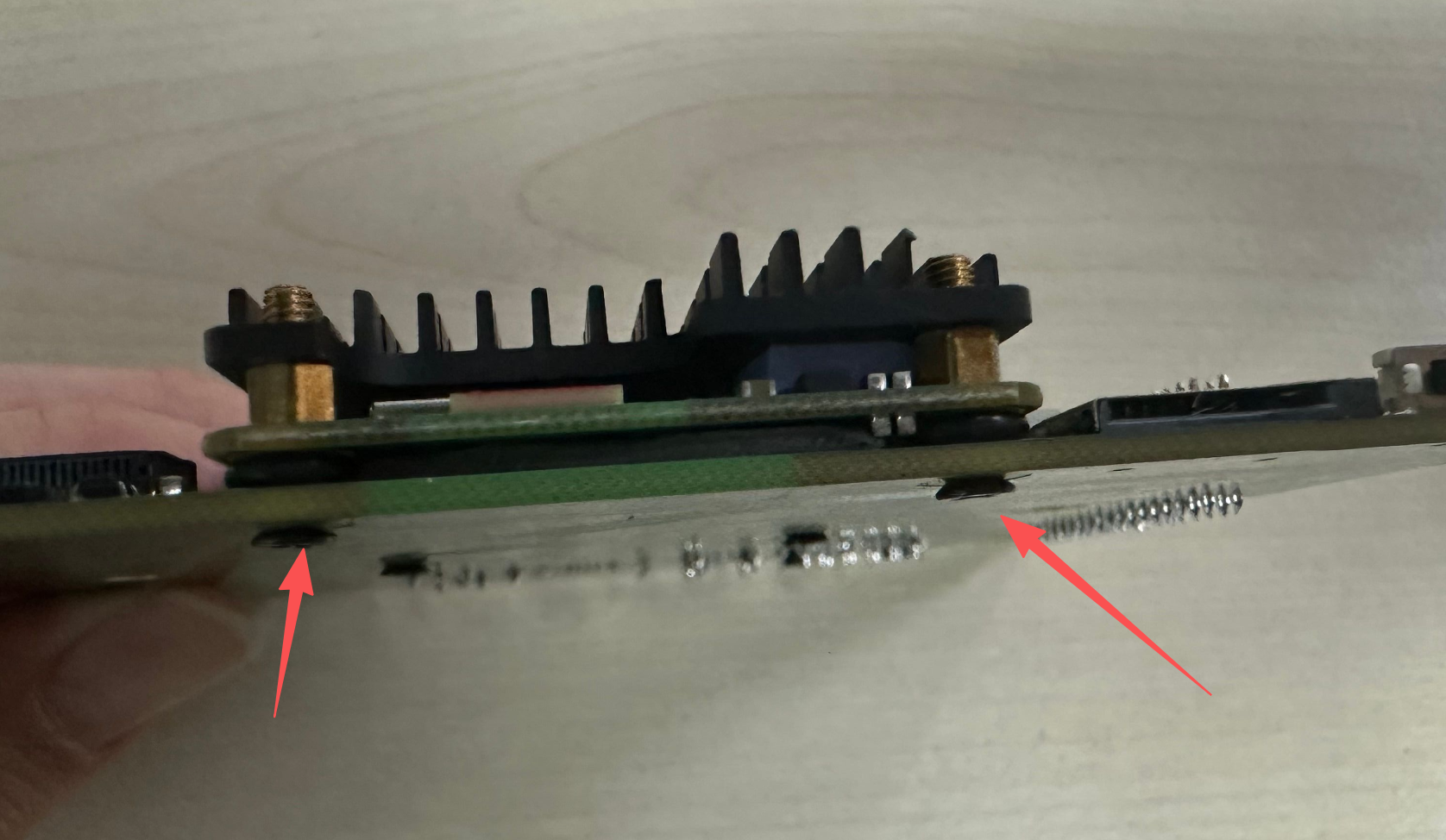
Walnut Pi CM1 Peripheral Assembly
Cooling
The Walnut Pi CM1 is based on the Allwinner H618 quad-core high-performance processor. The module is compact in size, and its temperature can reach 60°C when connected to an HDMI display, so additional cooling measures can be added for special working scenarios.
- Baseboard thermal pad only: 10°C lower;
- Heat sink only: 10°C lower;
- Baseboard thermal pad + heat sink: 15°C lower;
Baseboard Thermal Pad
A thermal pad is included with the IO baseboard purchase, which transfers heat to the baseboard.
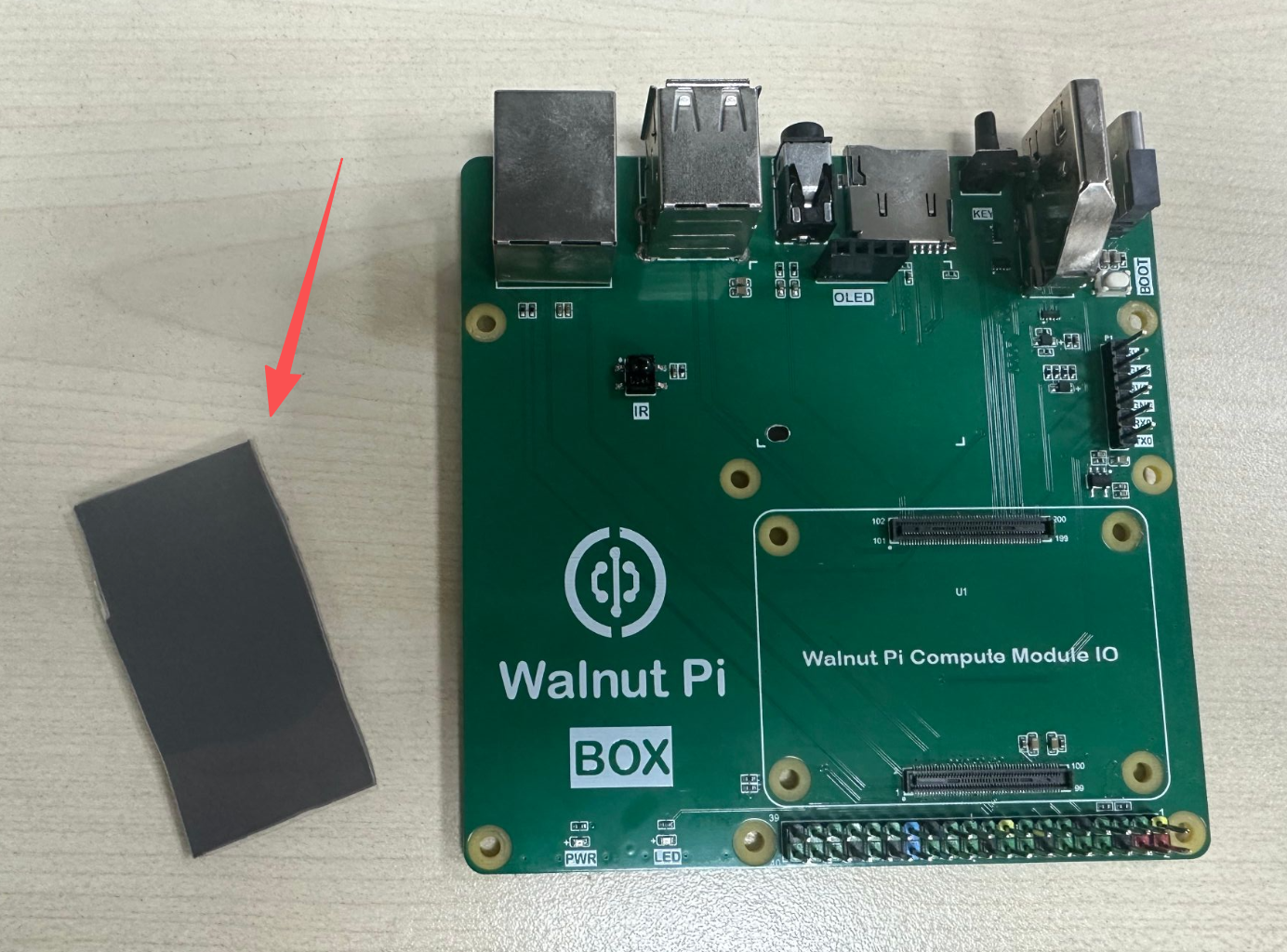
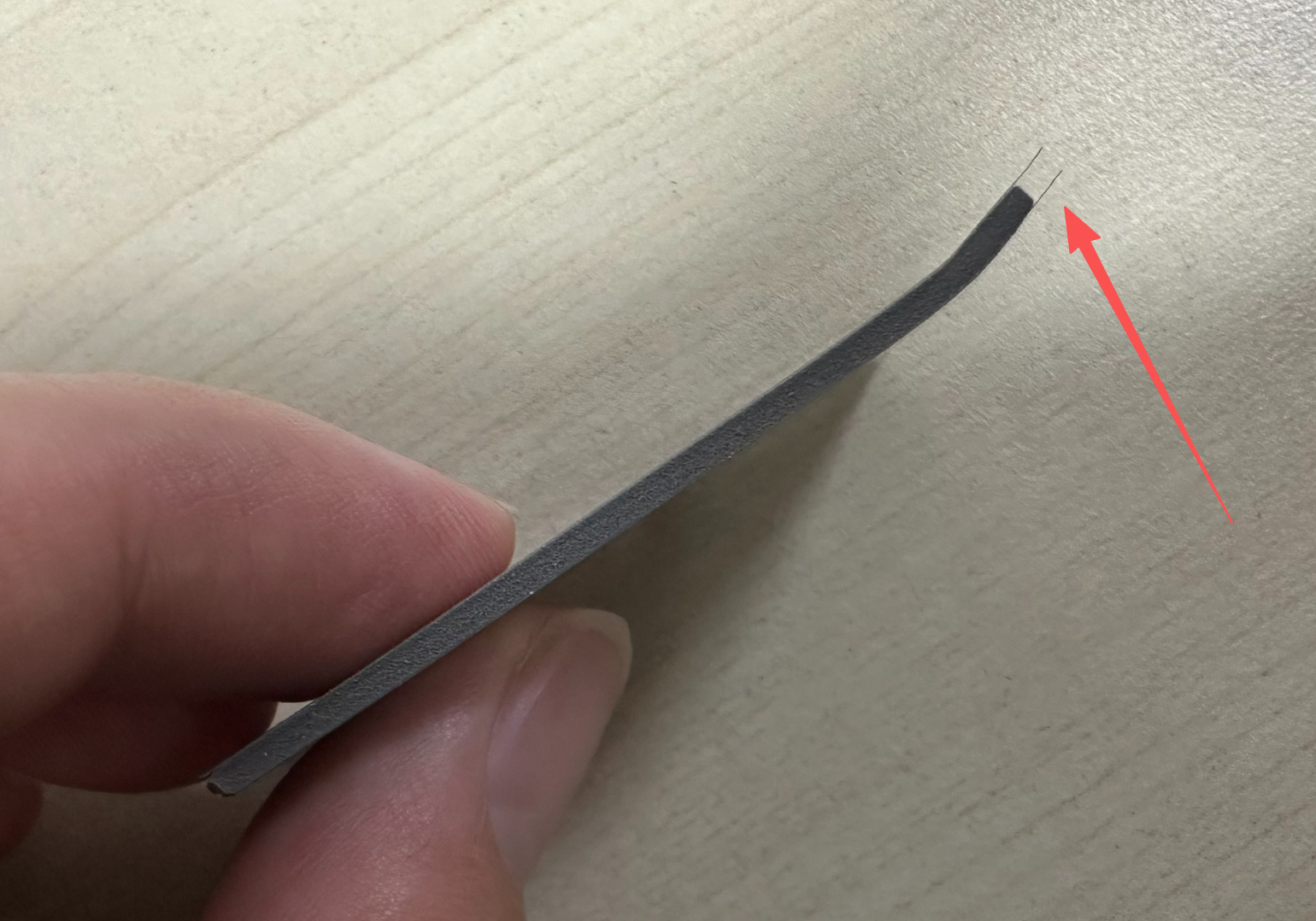
Peel off the protective film from the thermal pad.
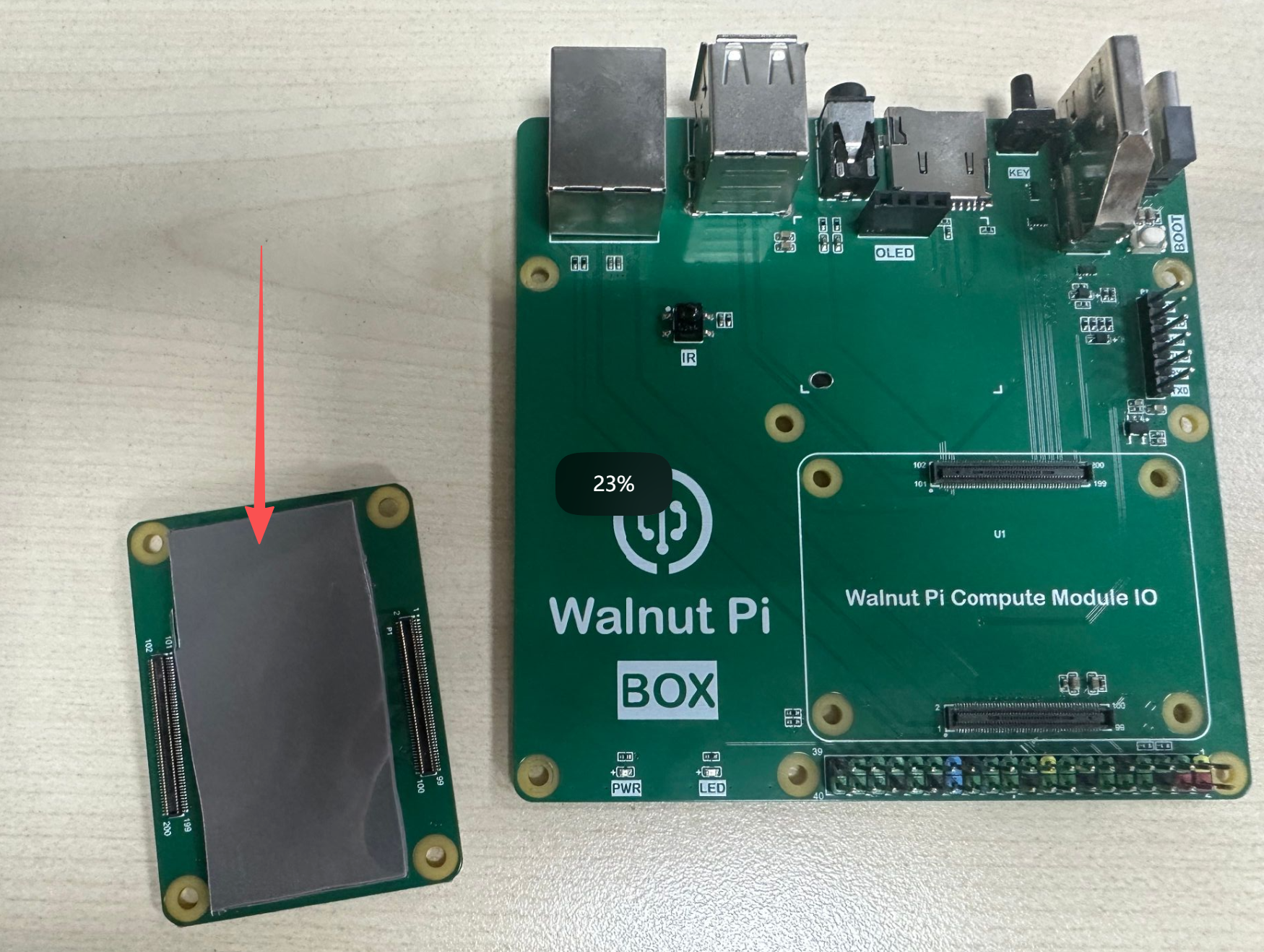
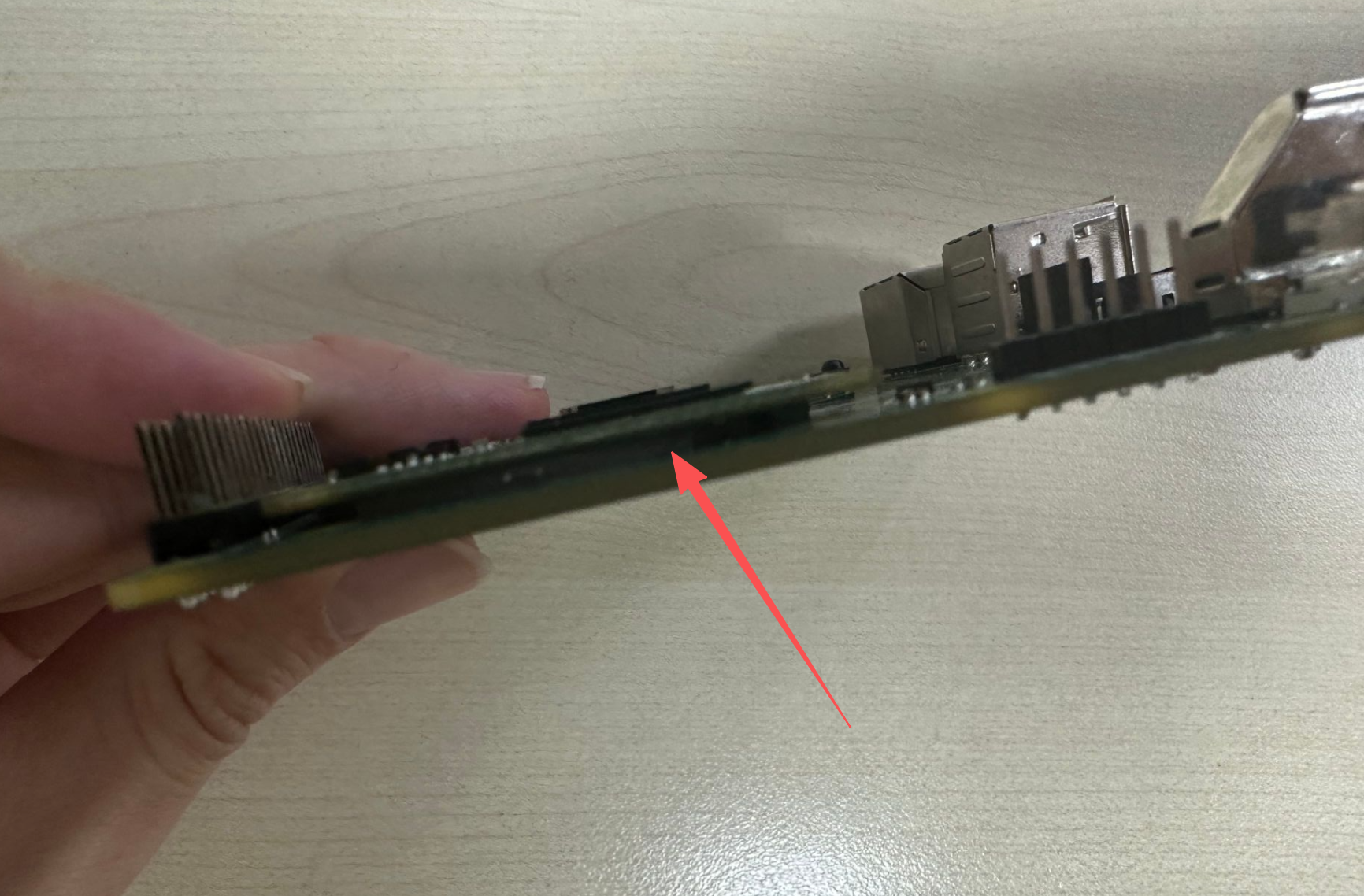
Attach it to the bottom of the CM1 module, then assemble the module onto the CM1 IO baseboard.
Heat Sink (10-15°C Lower)
The heat sink comes with a tool kit.
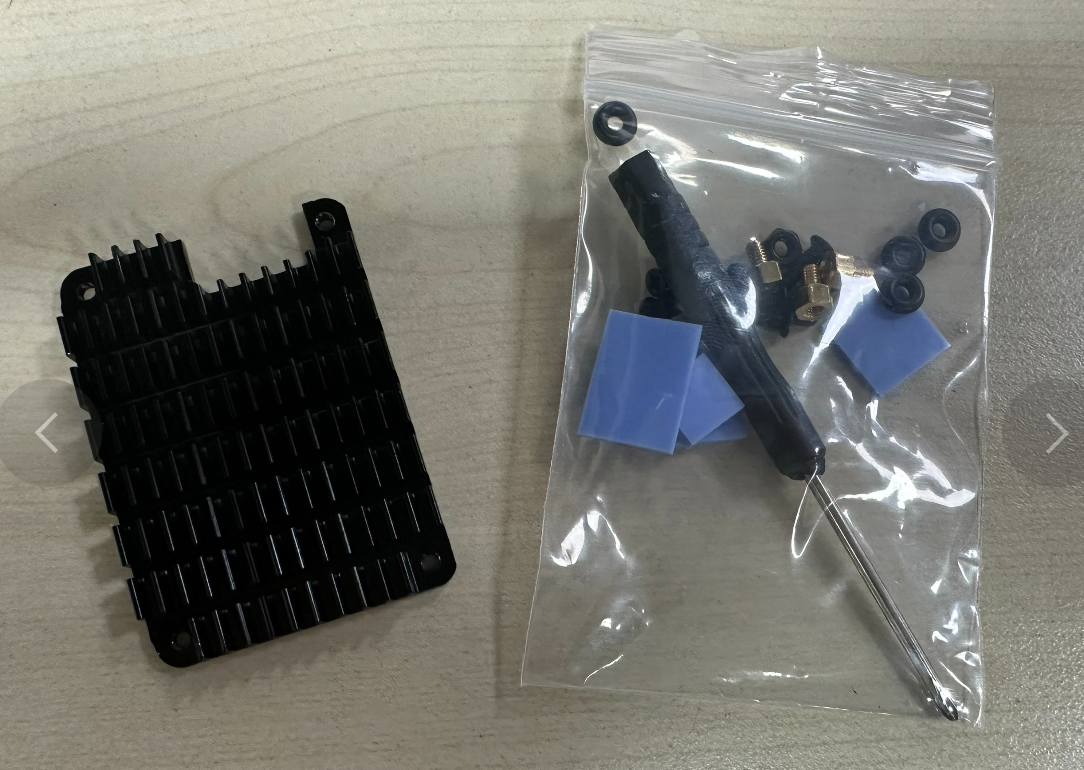
The tool kit is Raspberry Pi compatible. Walnut Pi only requires 2 of the included thermal pads: the thick square one and the smallest one.
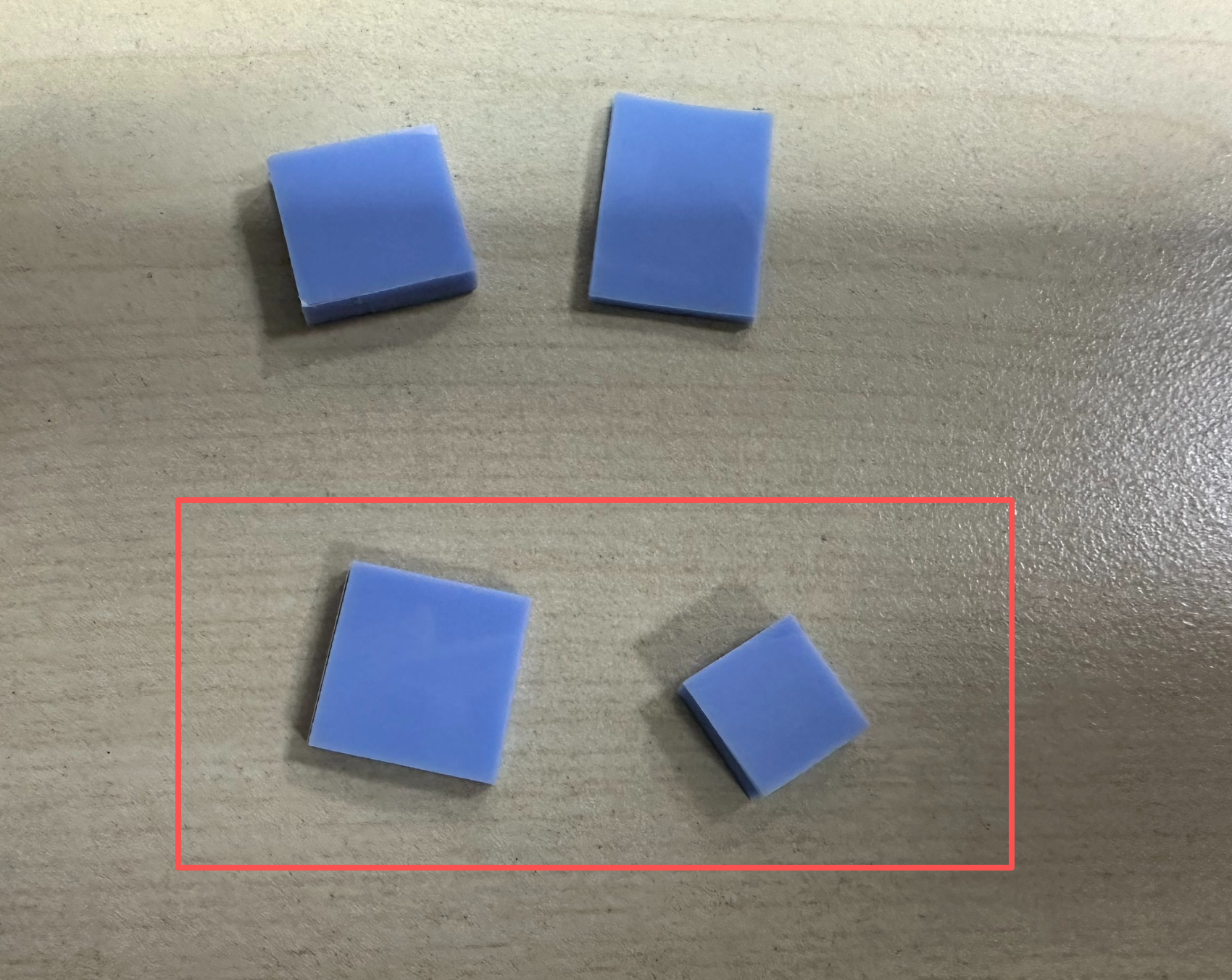
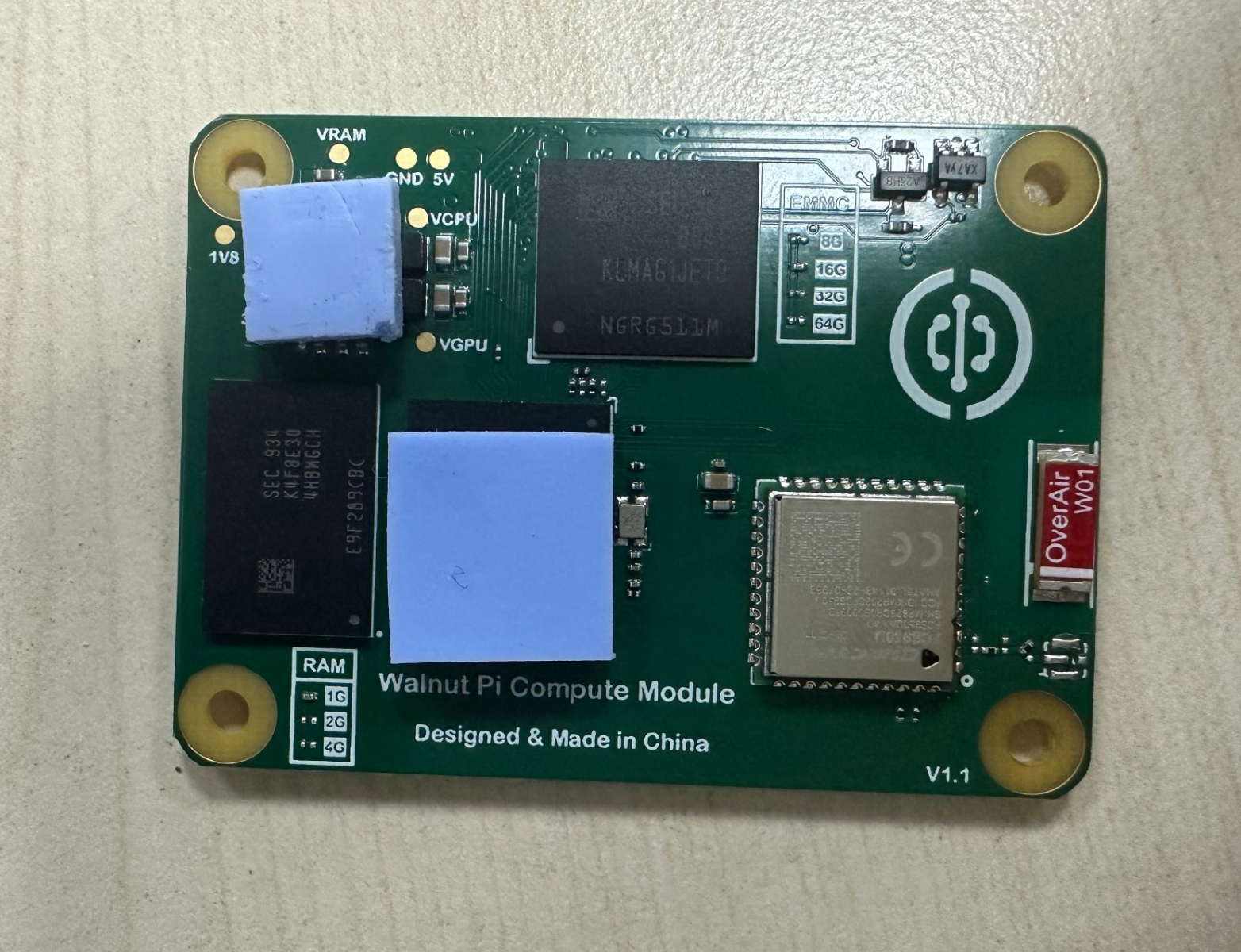
Apply the thick square pad to the H618 main chip and the smallest pad to the power chip position. (These are the two areas with the highest heat generation.)
Screw the single-pass copper standoffs onto the heat sink.
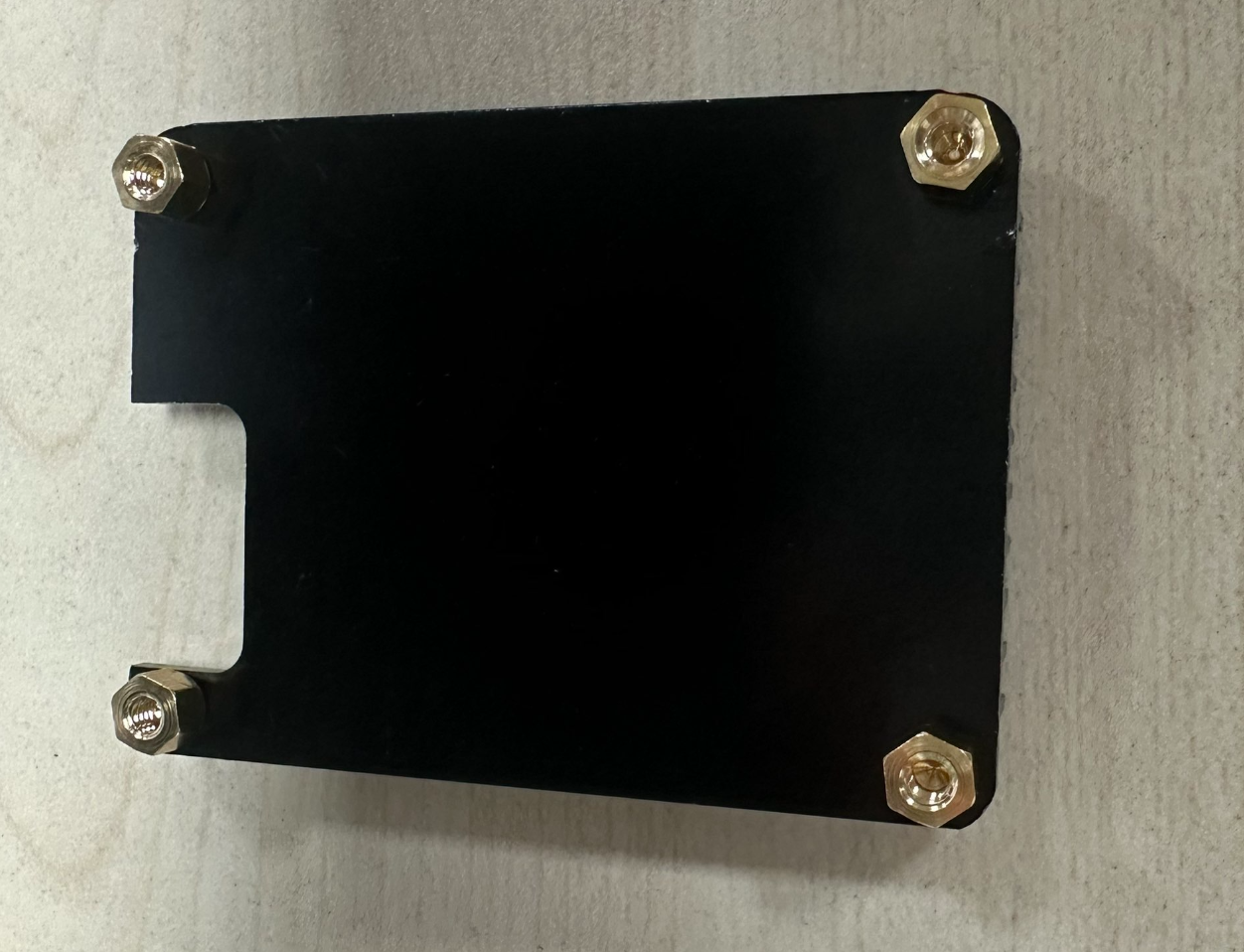
Non-fixed Baseboard Installation
The non-fixed baseboard installation is simple and easy to disassemble. Place the heat sink with the copper standoffs installed at the notch position as shown below, then tighten it with the small screws.
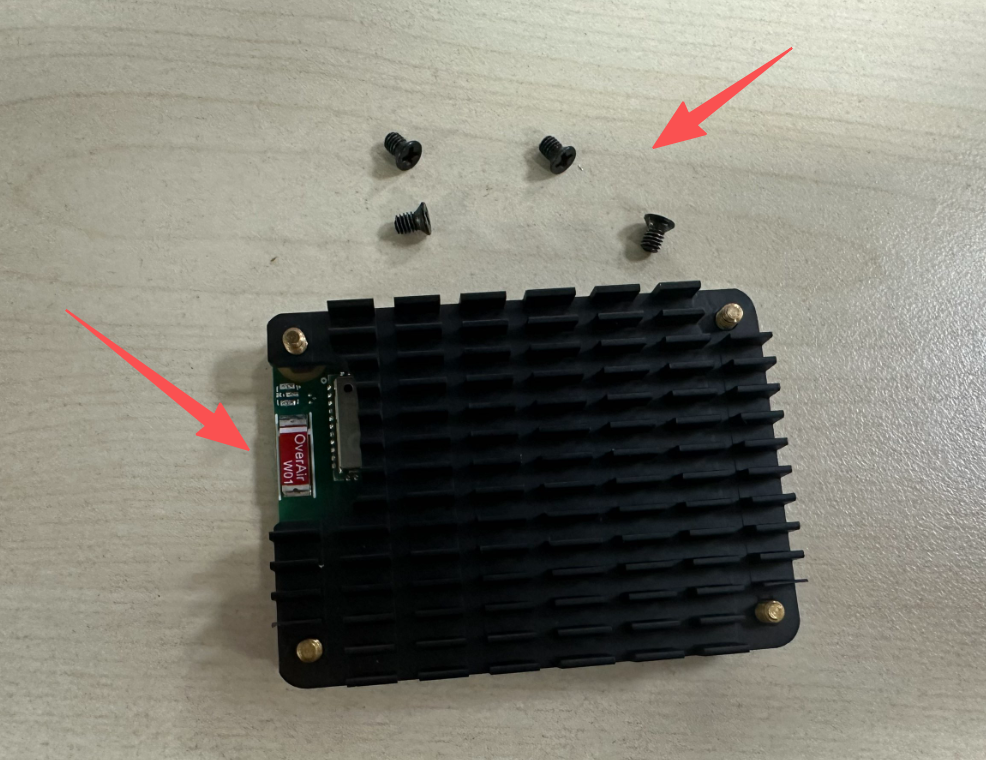
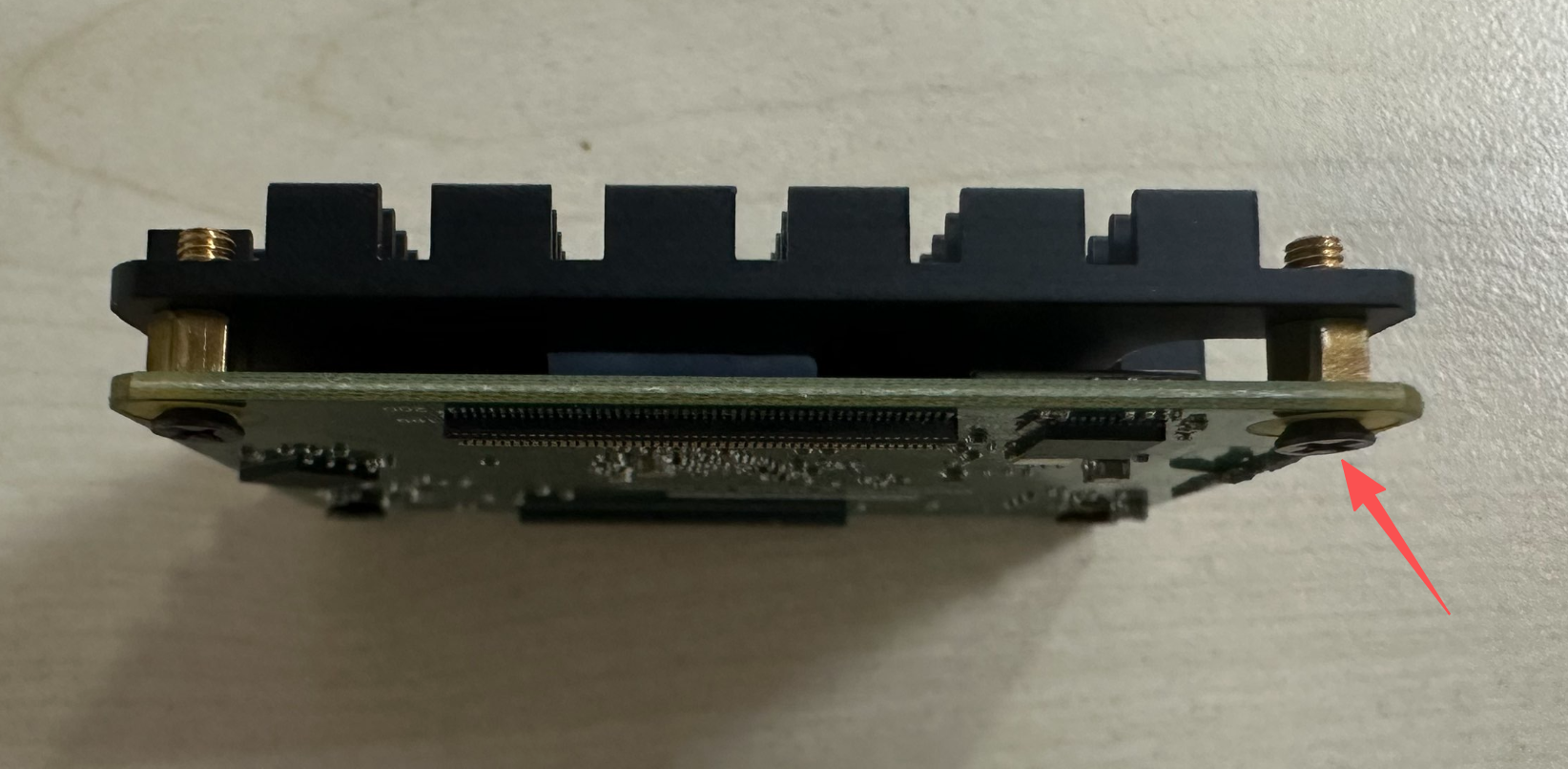
Then simply mount it onto the IO baseboard for convenient plug-in and removal.
Fixed Baseboard Installation
The fixed baseboard method secures the CM1 module and the baseboard together, suitable for scenarios requiring long-distance transportation or where vibration is present during operation. The following tutorial uses installation photos of the CM2 module; the principle is the same for CM1.
The included feet and long screws are required.
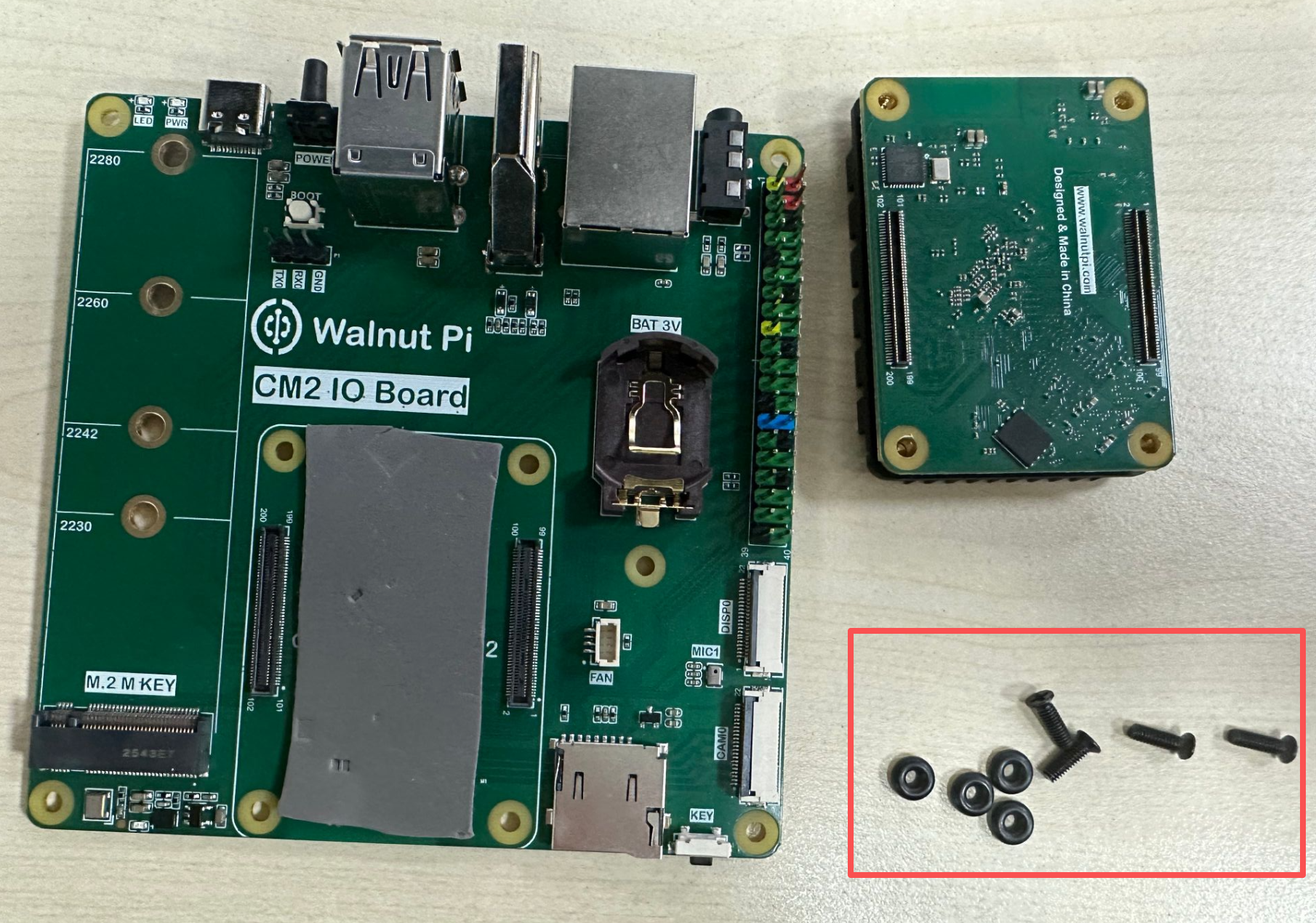
First, secure the 4 feet and long screws to the IO baseboard as shown below.
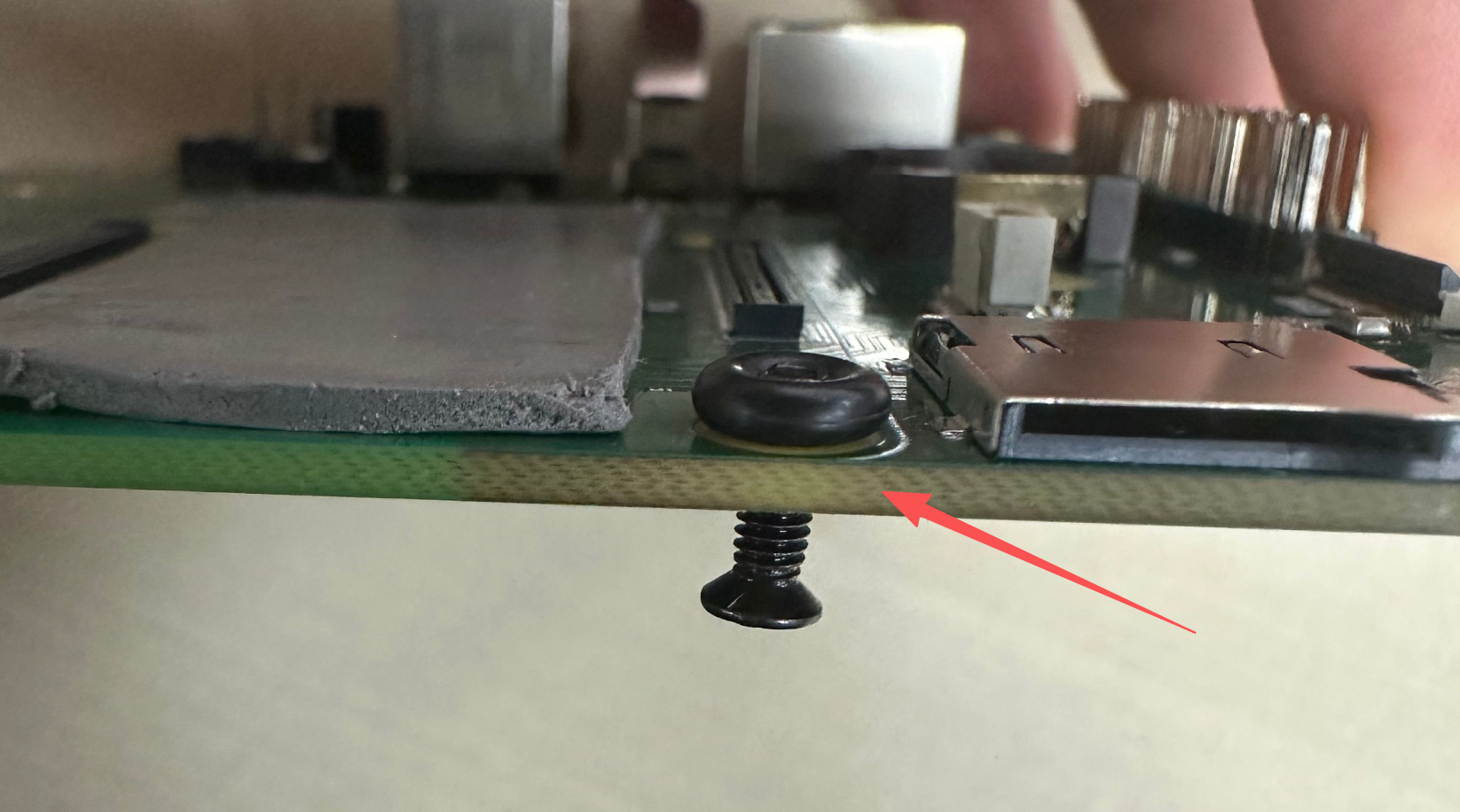
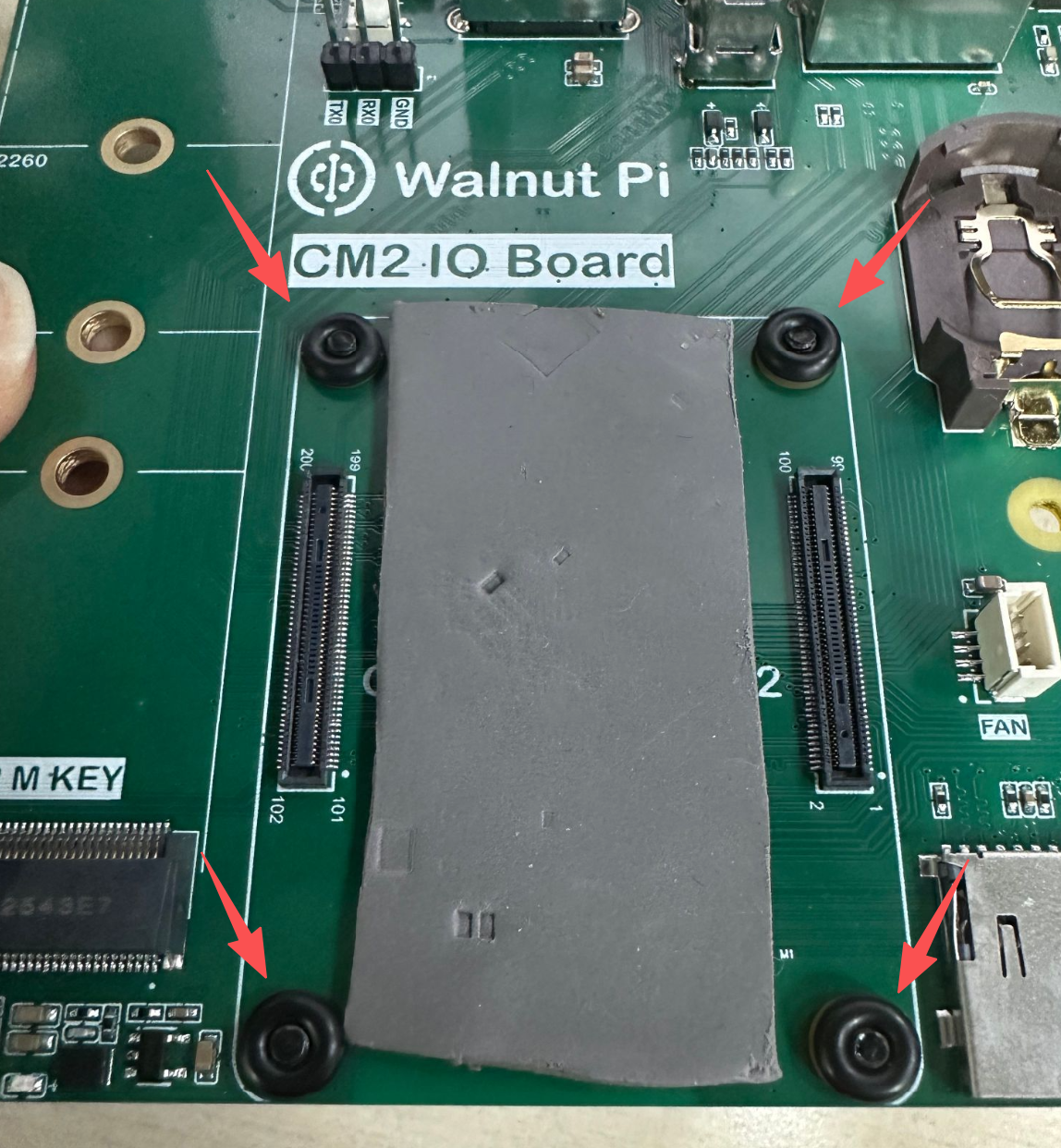
Install the CM1 module onto the baseboard.
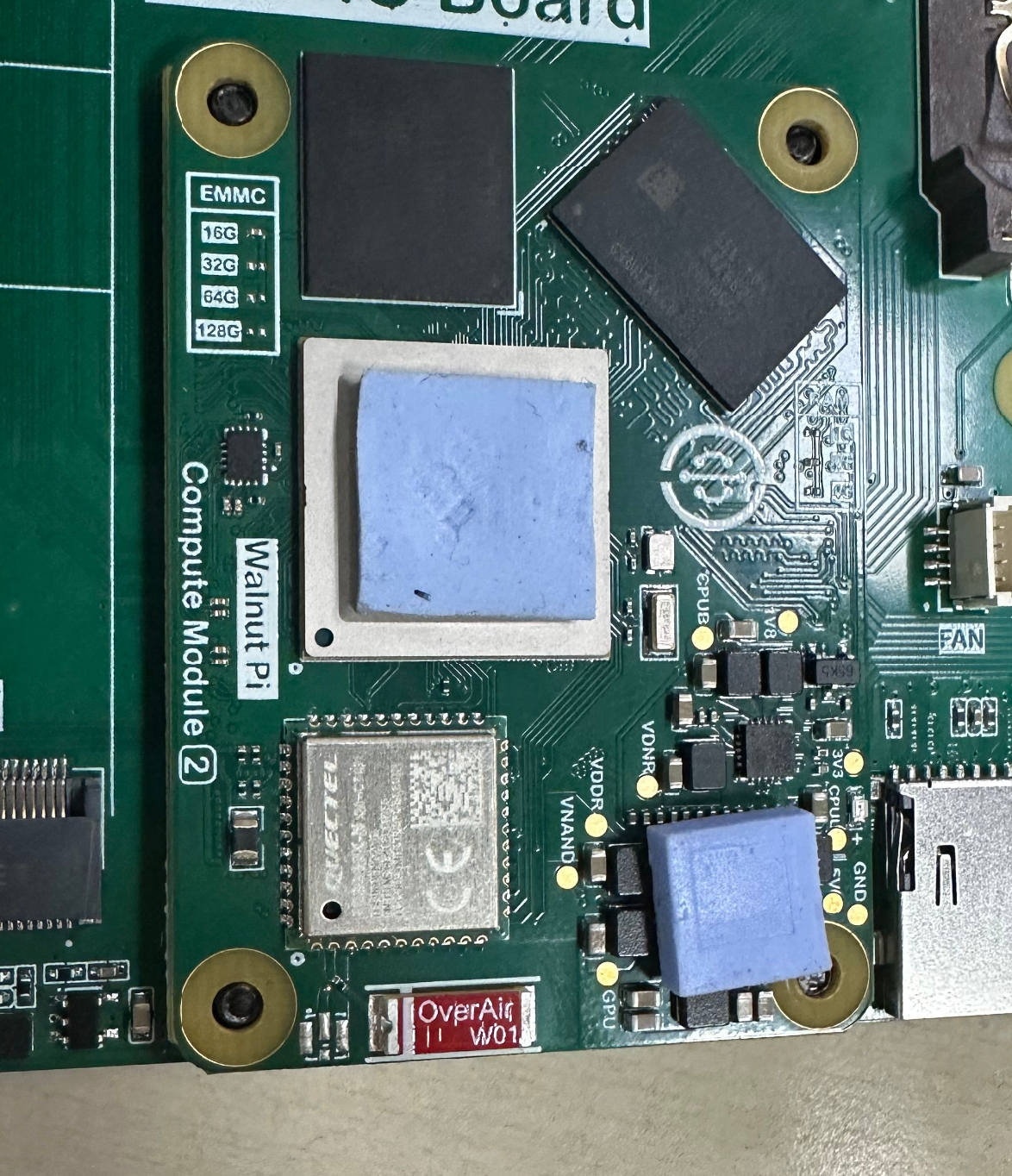
Place the heat sink on top and tighten the screws.