EMMC Flash Storage
The Walnut Pi 2B is available with an optional EMMC flash storage version, with a default capacity of 32GB. It offers significantly faster transfer speeds compared to an SD card. It can be used to install the Walnut Pi system or as a storage drive.
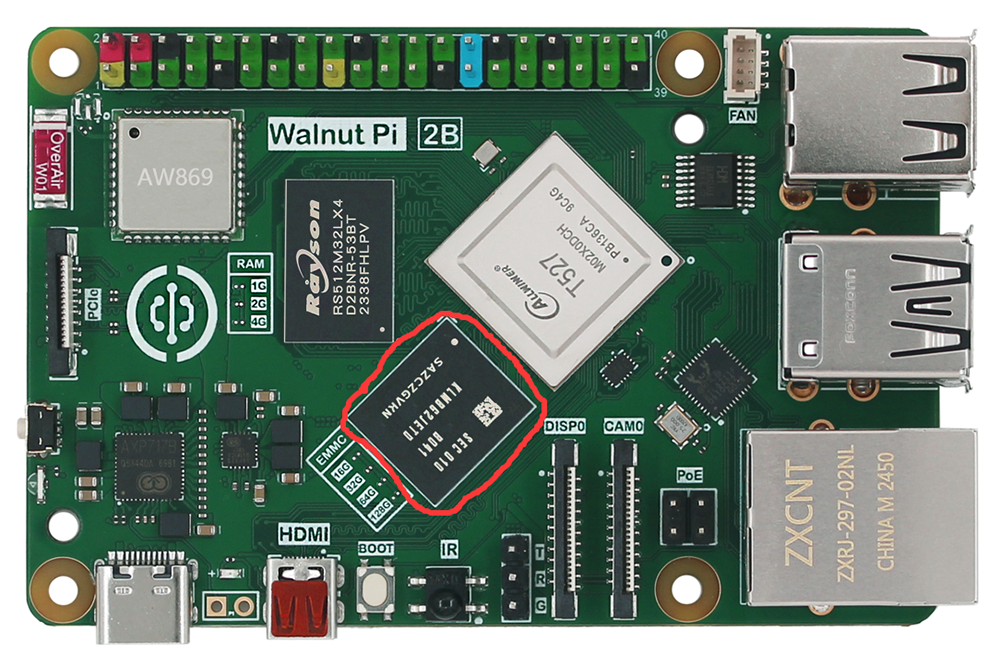
EMMC as a System Boot Drive
Burn the Walnut Pi OS to EMMC and boot from it. Refer to: EMMC Image Burning Method
EMMC as a Storage Drive
When the Walnut Pi 2B boots from an SD card, the EMMC can be configured as a storage drive, giving you a drive with approximately 32GB of capacity.
The Walnut Pi system includes a quick configuration command:
sudo set-emmc to_disk
This command configures the EMMC as a storage drive. It will format the EMMC and erase all content. Please back up any important files beforehand.
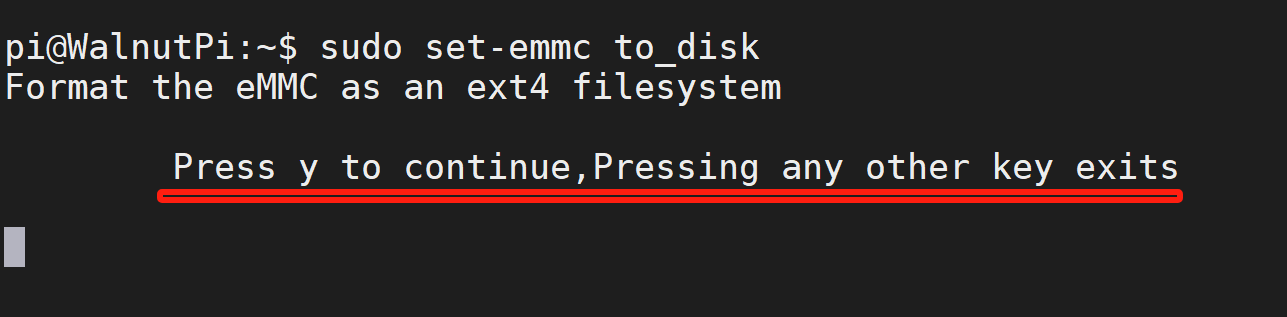
After running the command, a confirmation prompt will appear. Press "y" to continue:
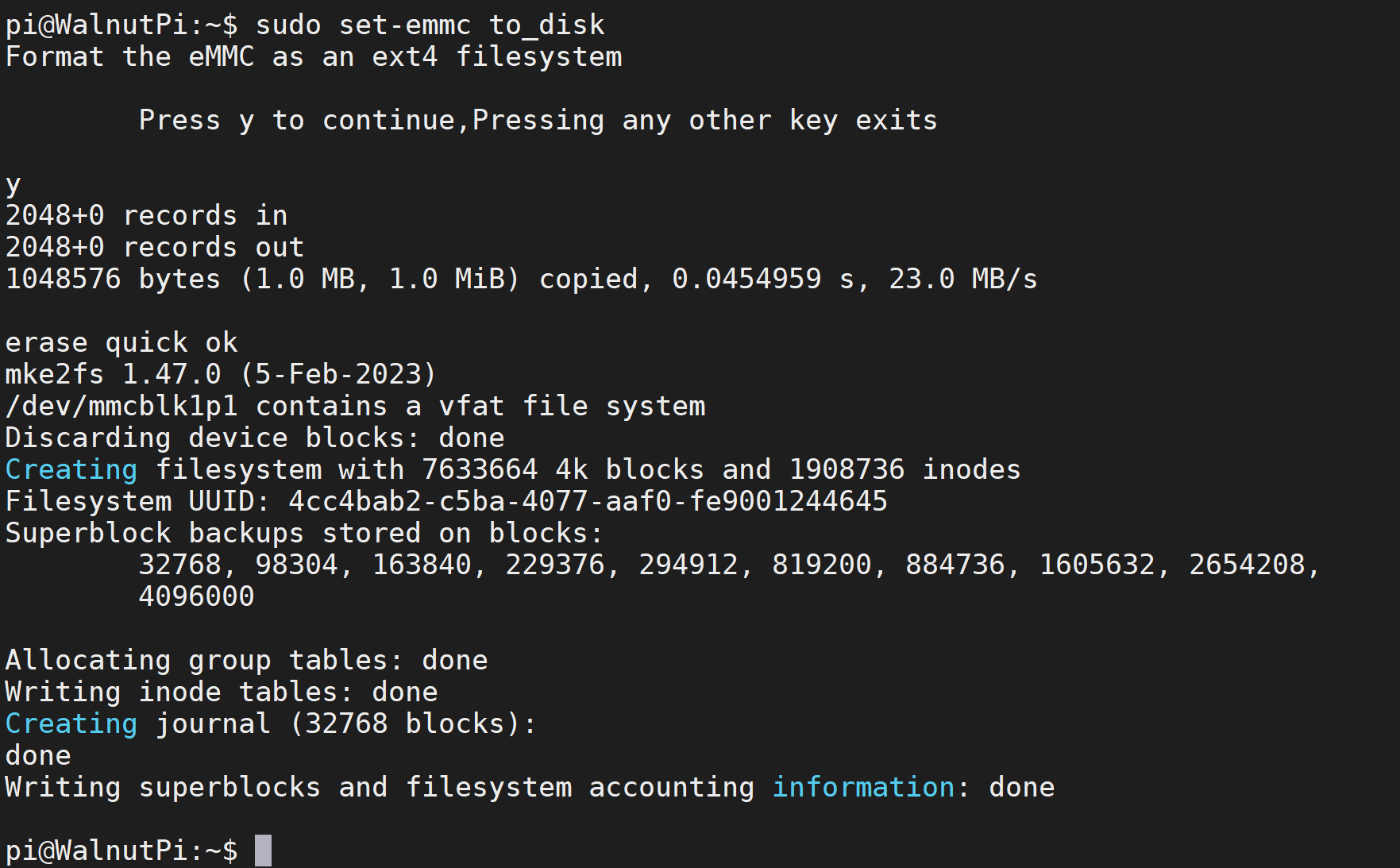
A successful configuration will appear as shown below:
You will see a ~32GB drive appear on the desktop.
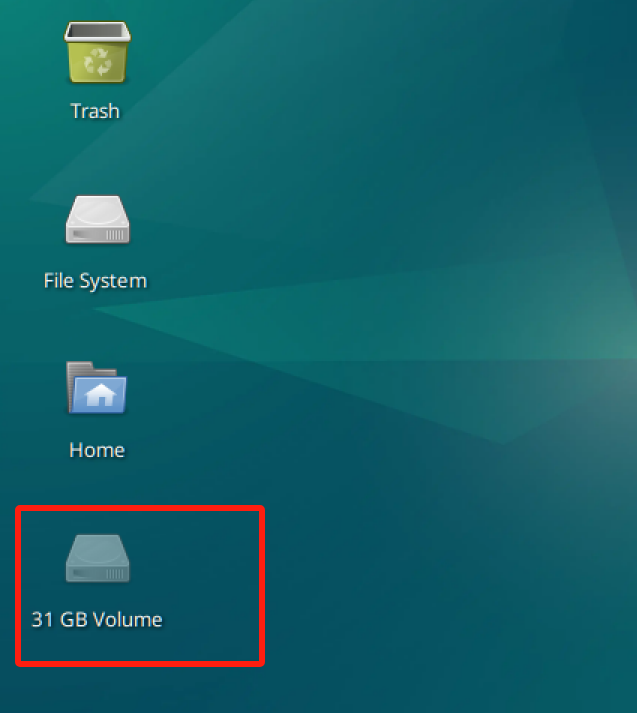
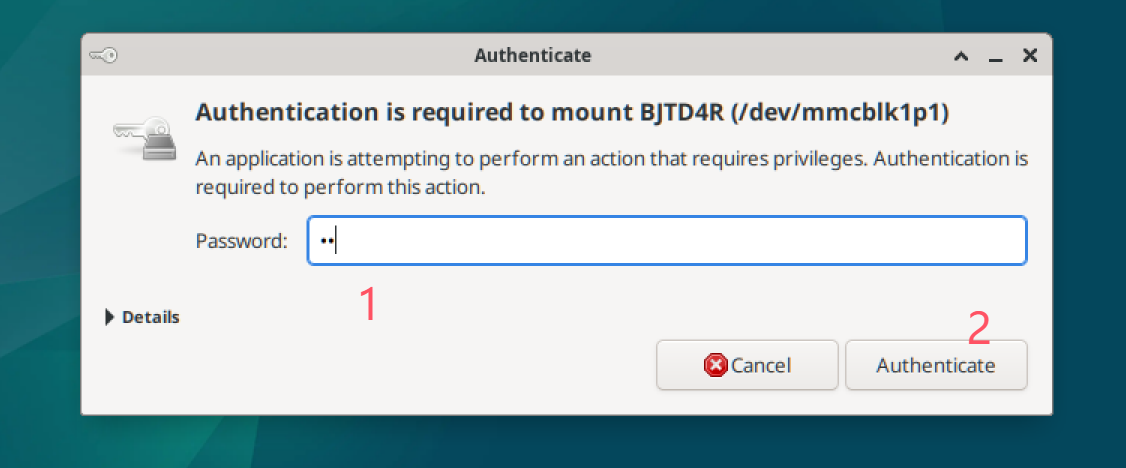
Double-click to mount and use it. When the authentication prompt appears, enter the system password, i.e., pi.
EMMC Formatting
Quick format (recommended):
sudo set-emmc erase-quick
Full format (will be very slow):
sudo set-emmc erase-overwrite