Boot LOGO
- Video Tutorial
The WalnutPi official Debian system supports boot LOGO customization, requiring system version v2.2 or above (System Version Check). Configuration steps are as follows:
Edit the config.txt file. Refer to: config.txt. Change the following variable to true:
bootlogo = true
Replace the logo image with your own, using png format. By default, it displays without scaling.
/usr/share/plymouth/themes/walnutpi/logo.png
After configuration, execute the following command to activate:
sudo update-initramfs -u
Restart the board:
sudo reboot
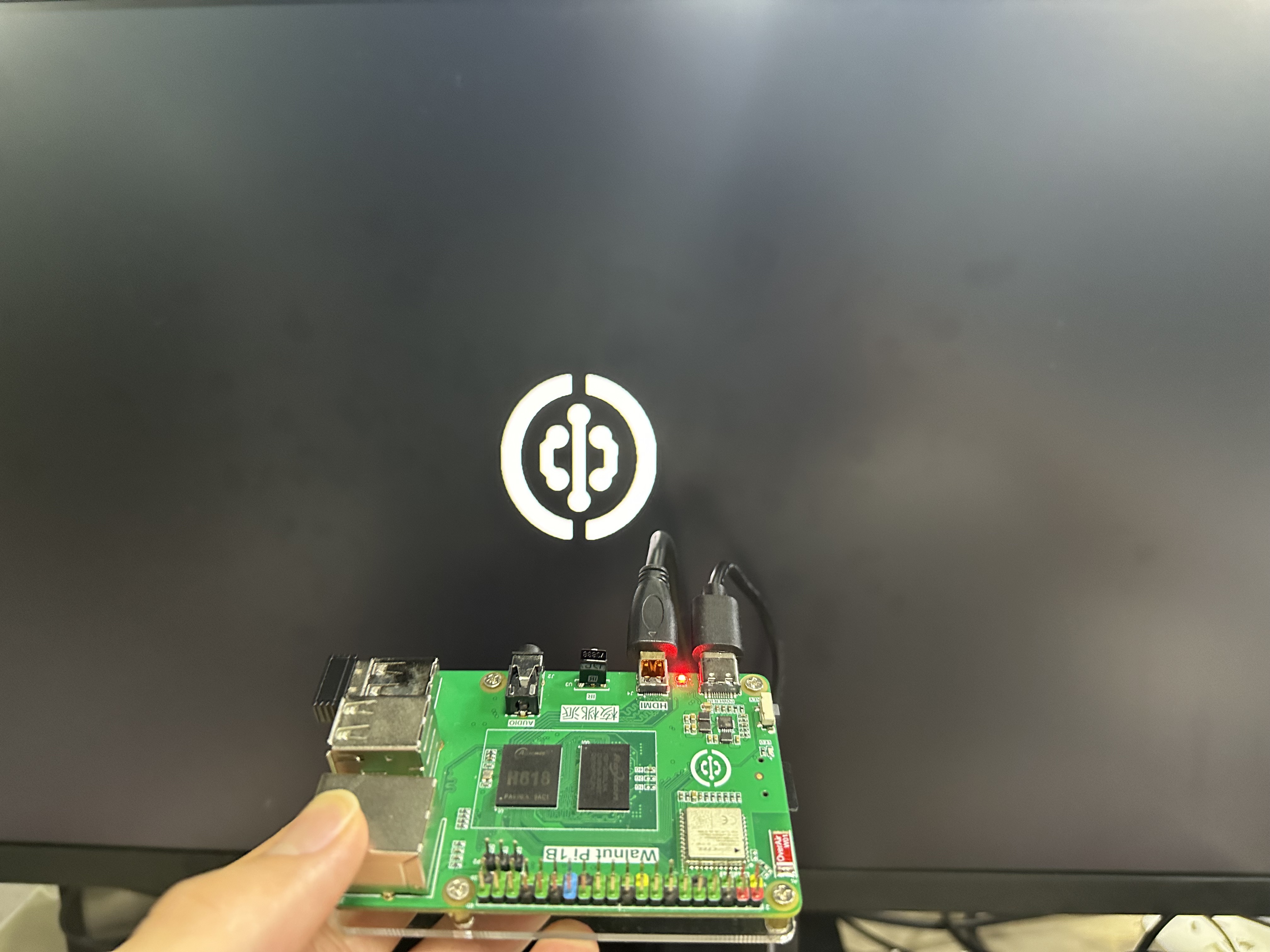
You will then see the boot LOGO. Effective on WalnutPi HDMI, 3.5-inch LCD, and 1.54-inch LCD.
For advanced usage such as auto-scaling, adjusting display position, and animation effects, you can edit this script:
/usr/share/plymouth/themes/walnutpi/walnutpi.script
For syntax documentation of this script file, see: https://www.freedesktop.org/wiki/Software/Plymouth/Scripts/