IR Receiver
The WalnutPi has one onboard IR receiver.
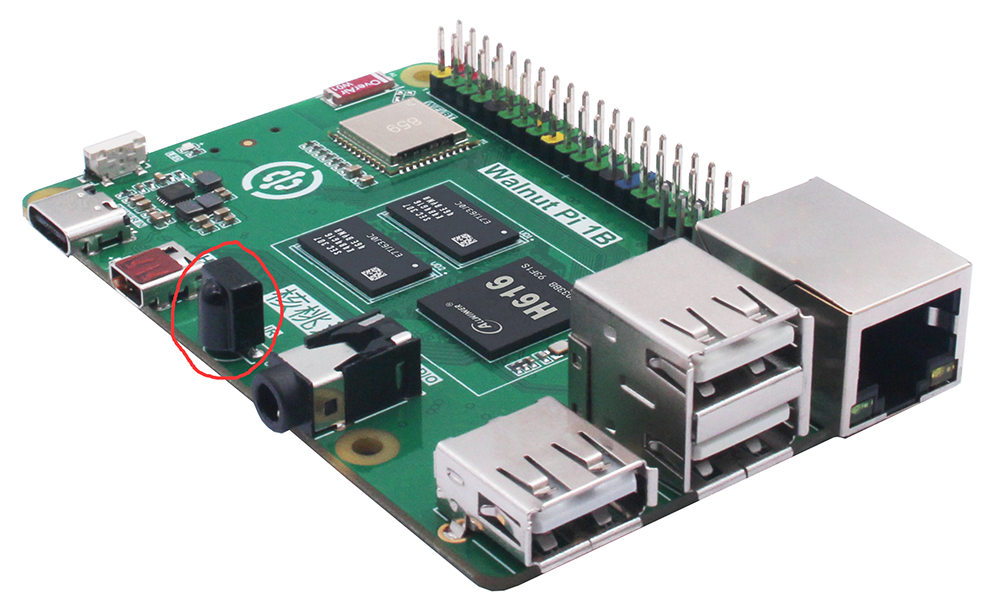
The WalnutPi system comes pre-installed with the ir-keytable software, which can be used to view IR device information and test IR reception and decoding.
Viewing Device Information
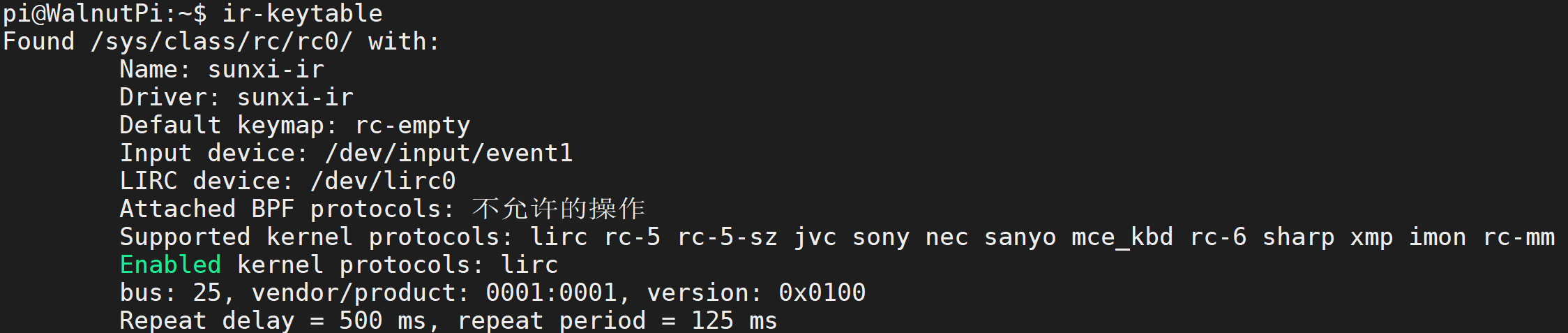
Enter the following command in the terminal to view IR device information:
ir-keytable
IR Reception Test
First, you need a common remote control. The one shown below is used here as it is easy to purchase.

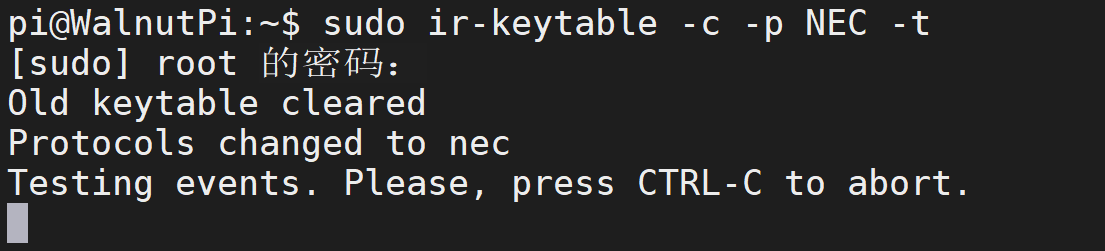
Enter the following command in the terminal and wait for IR remote signals:
sudo ir-keytable -c -p NEC -t
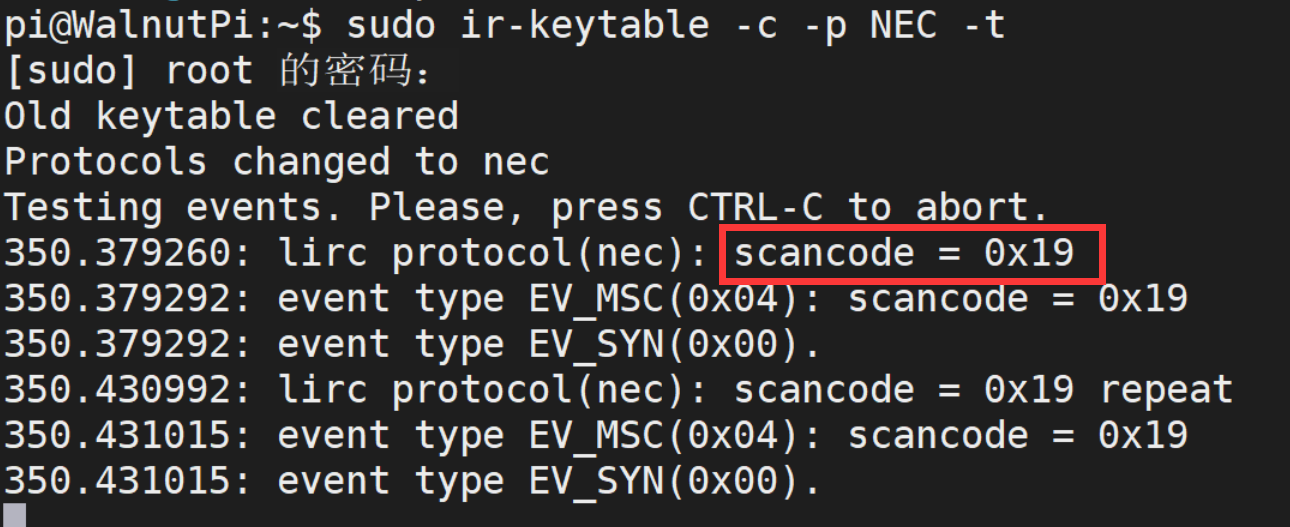
Point the remote control at the IR receiver and press any button:
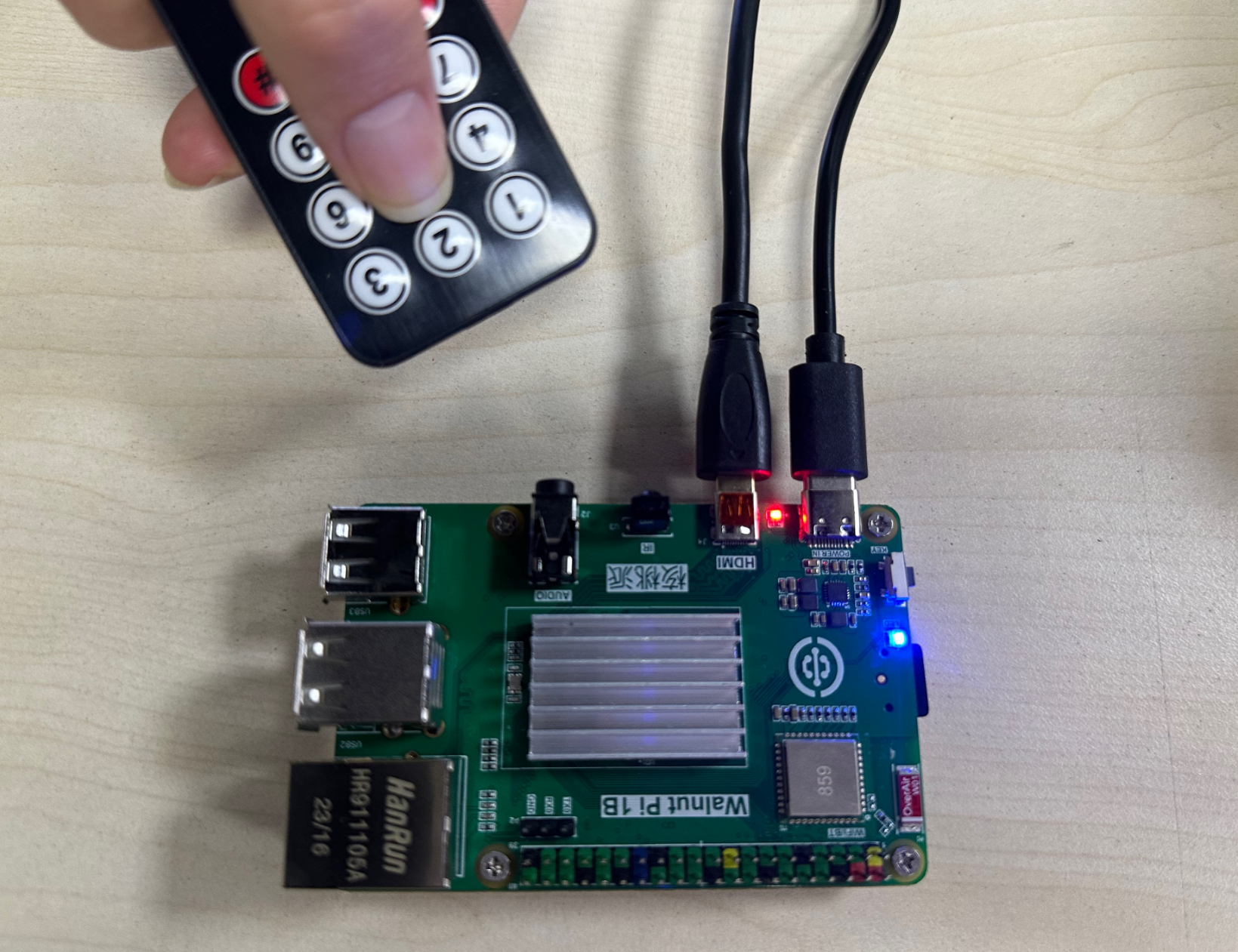
You can see the received IR code in the terminal: