Obtaining IP Address
WiFi IP Address
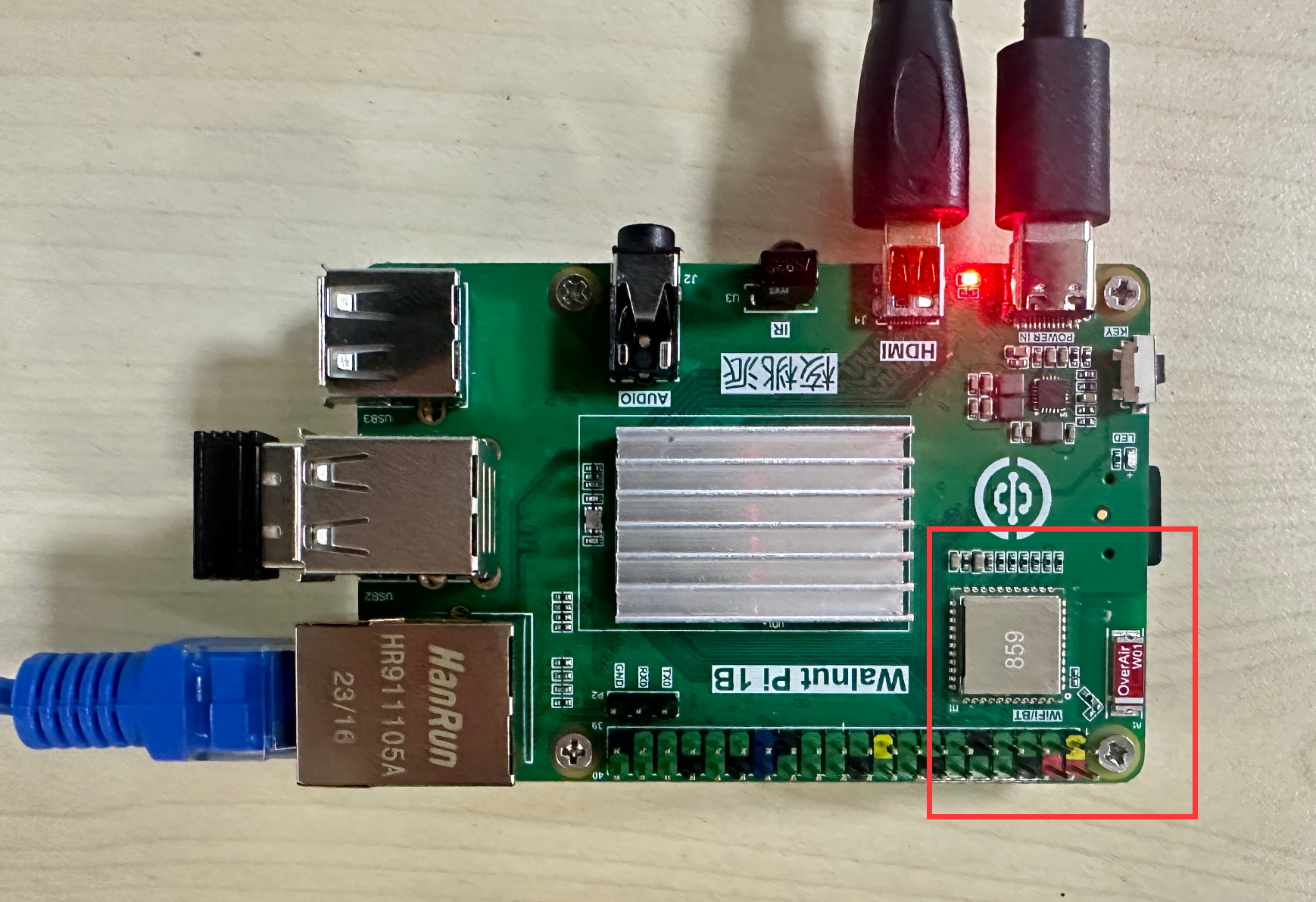
WiFi module hardware location. Connect wirelessly to a router via WiFi (supports 2.4G and 5G signals):
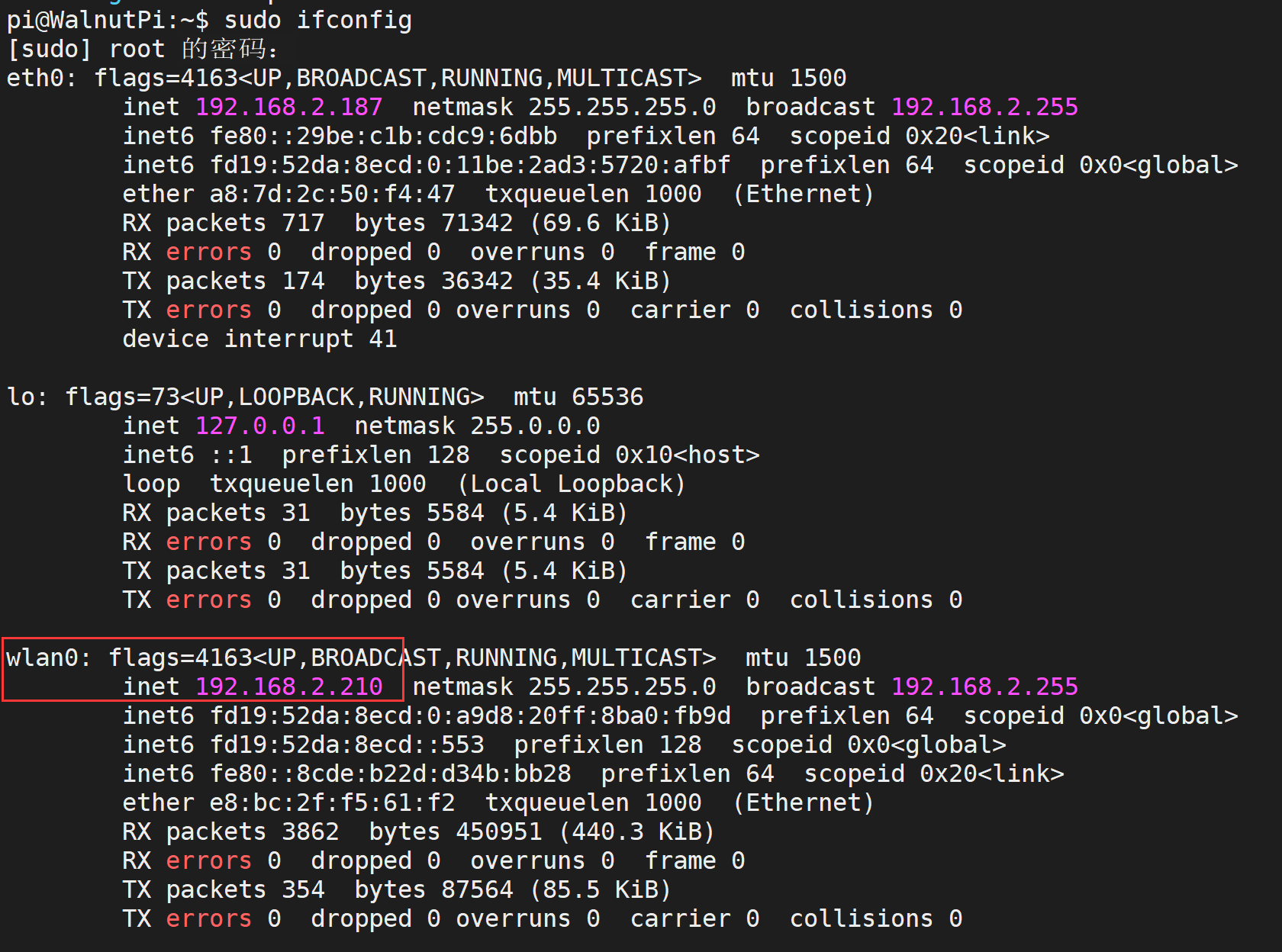
Use the following command to get all network IP addresses of the WalnutPi. wlan0 is the WiFi card name. Once connected, you can see its IP address.
sudo ifconfig
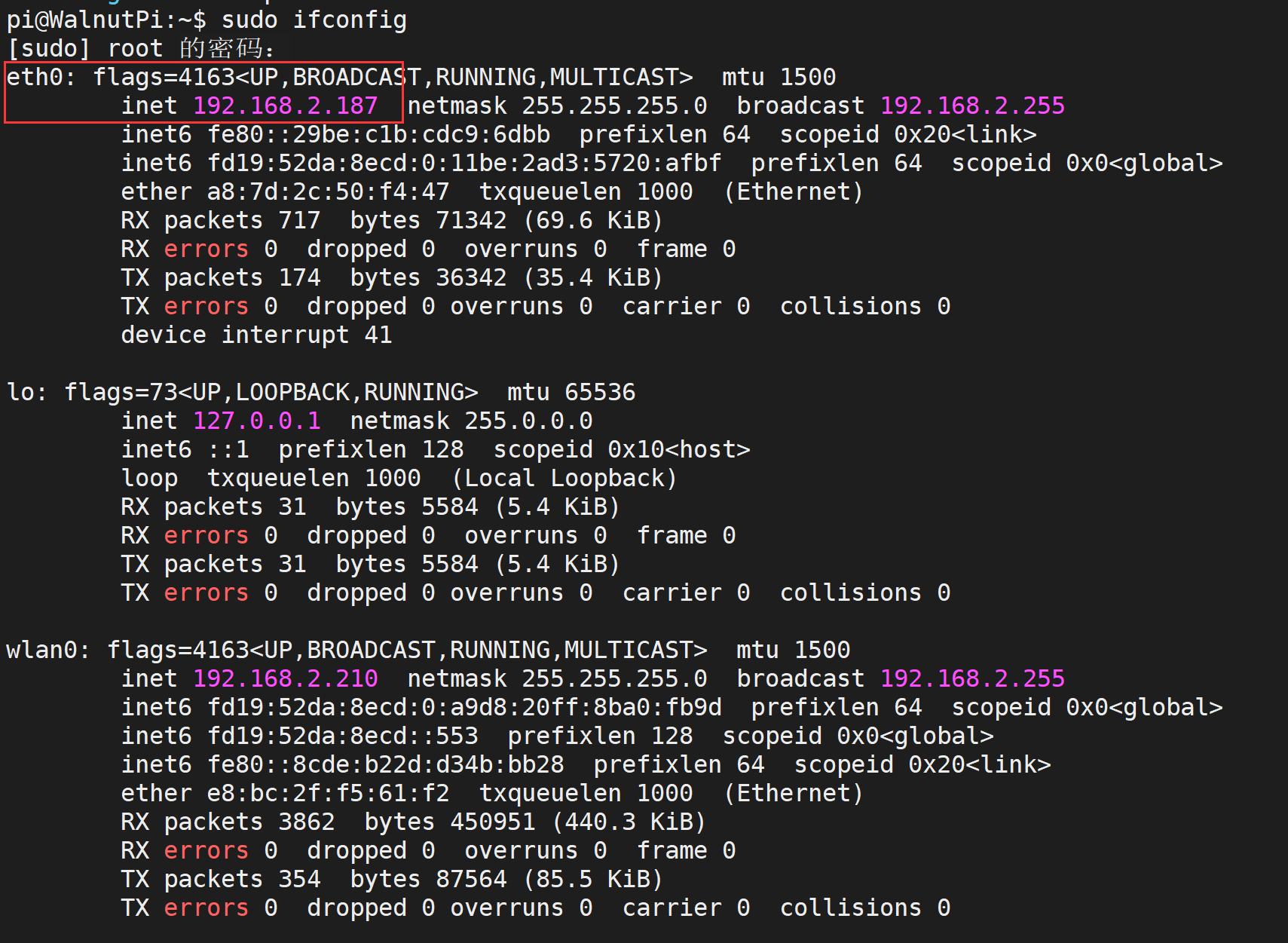
Ethernet IP Address
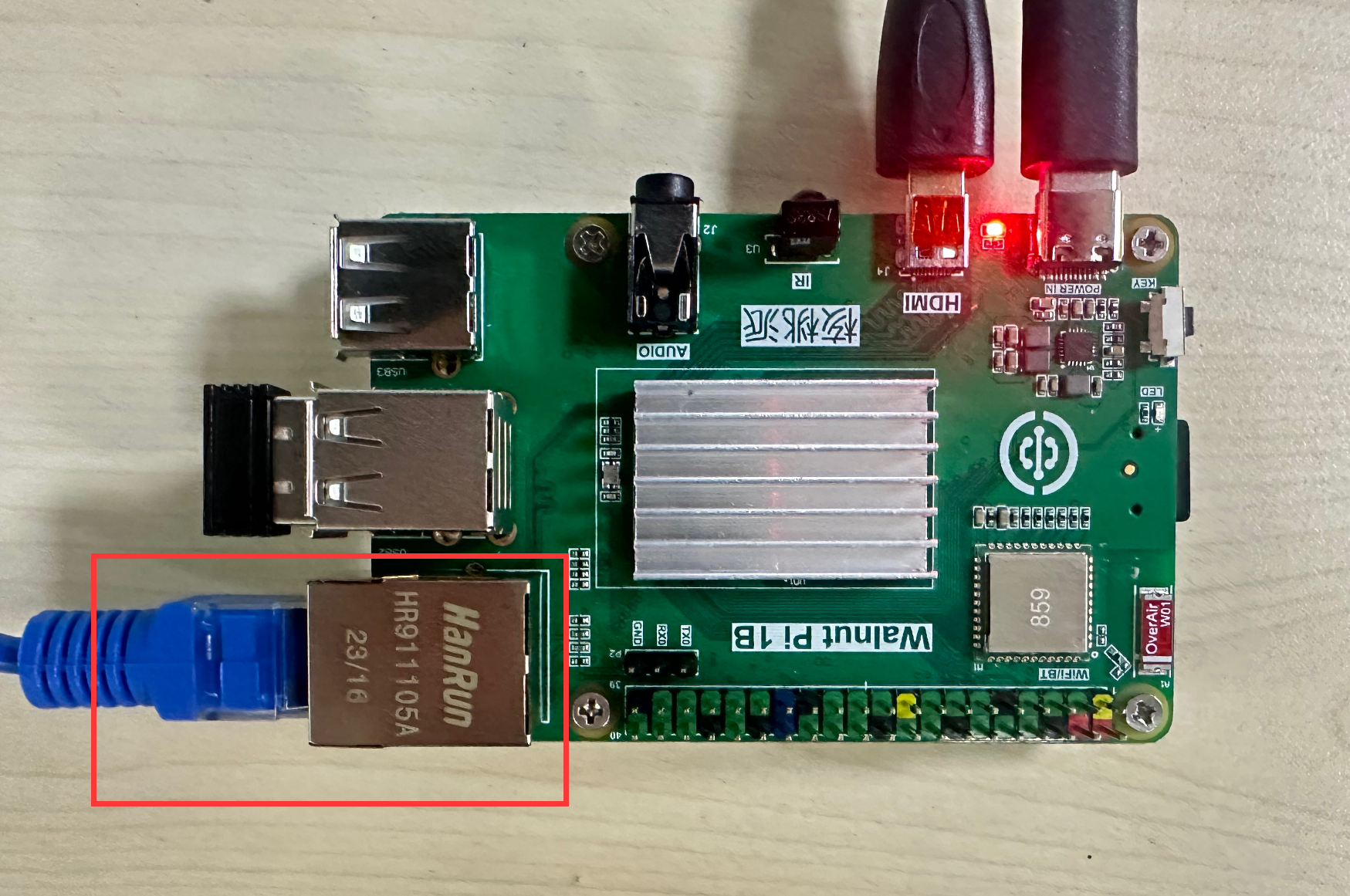
Ethernet module hardware location. Connect to a router via an Ethernet cable:
Use the following command to get all network IP addresses of the WalnutPi. eth0 is the Ethernet card name. Once connected, you can see its IP address.
sudo ifconfig